Click
Every time a user accepts your Terms of Service, signs off on a policy change, or opts into a data category, that moment needs to be captured — reliably and in a way that holds up if it's ever questioned. Click handles this for you.
You build the agreement once, deploy it to the right place in your product, and Click presents it to users and generates a tamper-proof record of every interaction automatically.
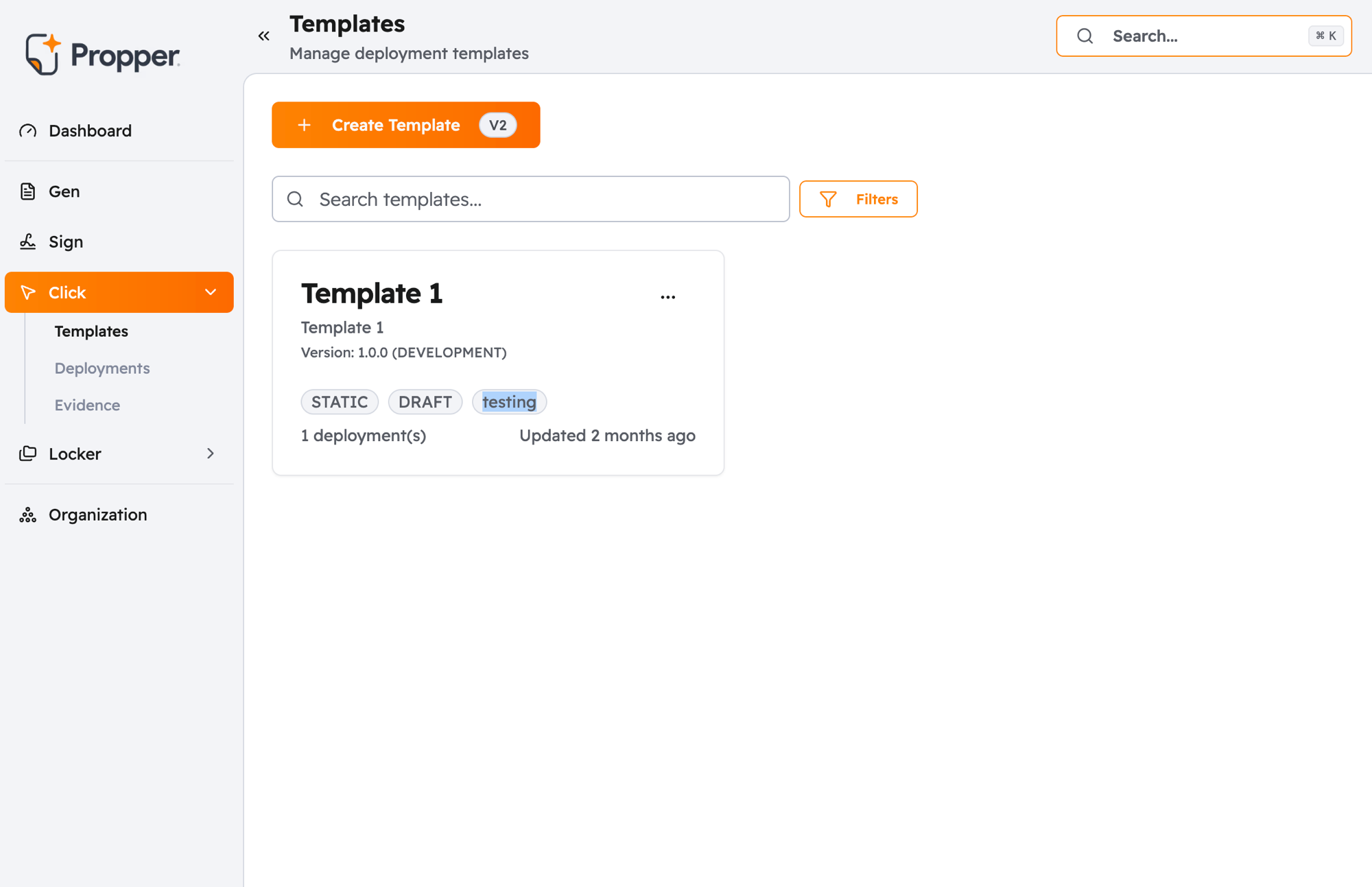
What You Can Do with Click
Click covers three common scenarios:
| Scenario | What it means | Examples |
|---|---|---|
| Standard agreements | The same terms shown to every user | Terms of Service, Privacy Policy, cookie notice |
| Personalized agreements (coming soon) | Terms tailored to a specific user with their details filled in | Custom NDAs, onboarding contracts |
| Consent management (coming soon) | Users choose which categories of data use they agree to | GDPR cookie banners, marketing opt-ins |
Only Static Clickwrap (standard agreements) is currently available when creating a new template. Personalized agreements and Consent Management are in development.
Screenshot: Click template type selection screen showing Standard, Personalized, and Consent Management options
How an Agreement Gets to a User
Getting an agreement in front of users involves four steps:
- Create a template: write your agreement content and configure how it looks and behaves
- Publish it: lock the content into a versioned snapshot ready for deployment
- Create a deployment: specify where in your product the agreement should appear and how it displays
- Capture evidence: every time a user accepts or declines, Click automatically generates a compliance record
Screenshot: Click dashboard showing the four-stage workflow — Templates, Deployments, a live agreement, and an Evidence record
See Core Concepts for a full explanation of how these pieces connect.
What You Get Out of It
For every acceptance, Click generates an evidence bundle — a tamper-proof record that includes what the user saw, when they saw it, and verification that the content has not changed since. This is what you produce if you are ever asked to prove a user agreed to something.
See Evidence & Compliance to understand what each record contains and how to access it.
Who Does What
Setting up Click involves two sides:
- Your team (in the Click dashboard): creates templates, configures deployments, and reviews acceptance records and analytics
- Your developers (using the Click API): their backend fetches the agreement, shows it in your product at the right moment, and records the acceptance
Click works server to server. There is no browser SDK or embeddable script yet, so your developers integrate the render and accept calls in your backend.
Creating and managing templates and deployments requires an Admin or Editor role. Viewing analytics and evidence records is available to all roles including Viewers.
Next Steps
- New to Click? Read Core Concepts to understand how templates, deployments, and evidence fit together
- Ready to build? Follow the Quickstart to create and deploy your first agreement
- Setting up your developer integration? Go to the API quickstart