Evidence Collection
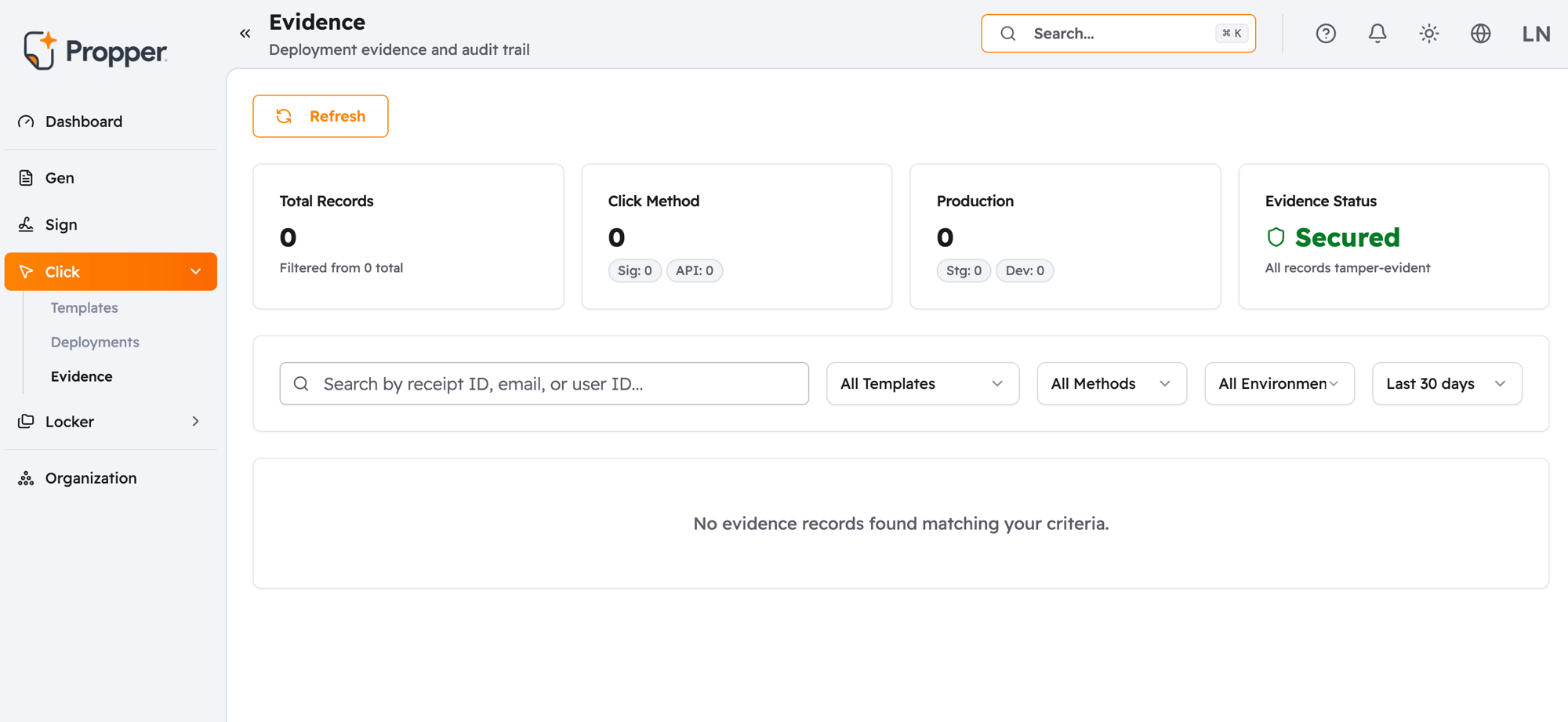
Every time a user accepts, declines, or lets a session expire in Propper Click, a permanent record of that interaction is created automatically. You don't configure anything — it happens for every agreement, every time.
That record is called an evidence bundle. It's what you produce if a regulator, auditor, or legal team ever asks you to prove that a specific user agreed to a specific version of your terms, at a specific point in time.
What's in a record
Each evidence bundle captures:
- What the user saw — a snapshot of the exact agreement text and layout at the moment of interaction
- What they did — whether they accepted, declined, or let the session expire, with a precise timestamp
- Who they were — their user ID, IP address, browser, and device details
- Which version — the exact content and policy version of the agreement they were shown
- Proof it hasn't changed — a tamper-evident seal that lets you verify the record is intact
For a full breakdown of every field in a bundle, see Evidence Bundle.
What you can do with it
- Find and download a record for a specific user or date range — Viewing Evidence
- Share a PDF certificate with legal counsel, regulators, or counterparties — Evidence Bundle
- Understand how records satisfy GDPR, CCPA, and ESIGN requirements — Compliance
- Configure how long records are kept before automatic deletion — Data Retention
Sharing evidence with third parties
If a regulator or counterparty needs proof that an agreement was accepted on a valid platform, see Document Validity & Trust for a plain-language guide on what to provide and how to verify it.